





Capacity Planning Software
Automated Capacity Planning Software for Small Businesses
Frustrated by project bottlenecks, missed deadlines, and burnt-out teams?
Sounds like you could use some resource management automation.
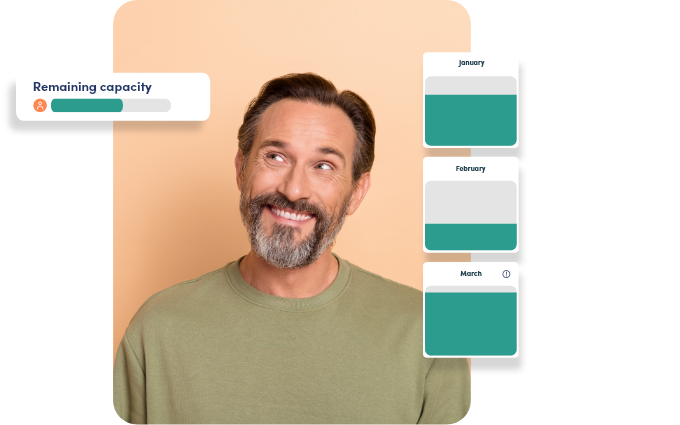
With PSOhub’s capacity planner and Agentic AI in tow, you can stay on top of fluctuations in utilization with automated alerts. Get ready to take control of your workforce, increase billable utilization, and knock more projects out of the park.
"With PSOhub's AI assistant copilot, you have a constant project management partner that is never out of office!"
Proactively Manage Your Resources & Put People First
Let PSOhub’s capacity planner in tandem with Agentic AI empower you to shift from reactive resource management to a more proactive, people-first approach. Leveraging AI and real-time project data will help you stay more in tune with utilization rates and the delicate workload balance of your teams.
Prevent overloads
Address underutilization before it happens

Prevent project delays

Intelligent forecasting
Manage Capacity, Resource Allocation & Budgets in One Place
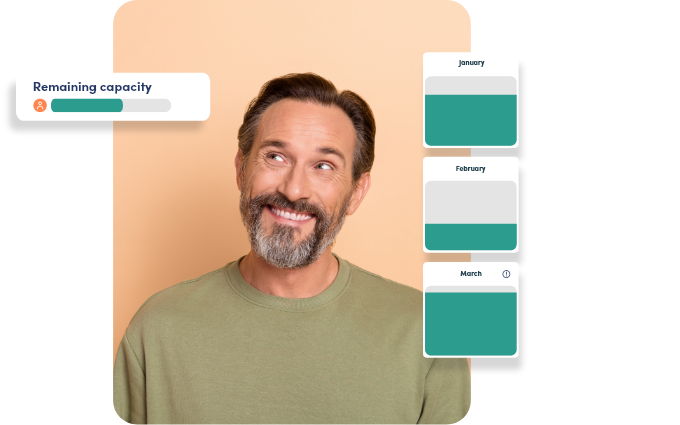
Stop jumping around to manage capacity, resource allocation, and project budgets. Our capacity planning software is part of a larger all-in-one project management suite, a ‘hub’ if you will, so your project data automatically syncs.
If someone tracks hours above capacity, for example, you can know about it immediately.
Choose the Capacity Planning Method That Fits Each Project
Do what works for the project at hand by leveraging PSOhub’s three capacity planning options.
Straightforward and small? Use task-based capacity planning to save time.Need hours-based capacity to dial-in on efficiency? You can do that, too. PSOhub will even let you do both formats simultaneously to plan with ultimate precision.

Team Capacity Planning Across Multiple Projects
Planning one project's capacity is manageable. Doing it across a whole team that's juggling ten projects at once is where spreadsheets fall apart.
PSOhub gives you one real-time view of what everyone is already committed to, who has time free, and who has the right skills for the work, so you can staff a project before anyone tips into overload.
Capacity, time tracking, and projects all sit in the same hub, so the plan stays current on its own as projects move instead of aging the minute you close the file.
Automate Your Resource Planning with Agentic AI
Stop accidentally overloading work and putting timelines in jeopardy. Leverage AI to help keep team workloads balanced by automatically calculating capacity.
Agentic AI will show you the best resource available based on the project’s required hours, roles, and skills. It then monitors utilization automatically, alerting you proactively when something’s amiss.

Frequently asked questions about team capacity planning
Team capacity planning is how you match your team's available working hours against the demand from active and upcoming projects. It answers three things: how much capacity each person has, how much is already spoken for, and whether the team can take on more without overloading anyone. For a professional services firm, it's the difference between committing to a delivery date because the hours are actually there and finding out too late that they weren't.
To plan capacity across multiple projects: (1) list every active and pipeline project with its required hours and roles; (2) map each person's available hours after absences and non-billable time; (3) allocate people by skill and availability; and (4) review weekly, because priorities and timelines shift. Keeping all of this in one connected system, rather than a stack of separate spreadsheets, is what stops the plan drifting out of date as projects change.
Resource planning is the broader job of getting the right people, skills, and budget onto project work. Capacity planning is the piece of it that deals with how much work a team can realistically take on in a given period. They work together: capacity planning tells you whether the demand fits, and resource planning decides who actually does what.
Calculate available team capacity by multiplying headcount by working days in the period by daily working hours, then subtracting planned absences, holidays, and expected non-billable time. The result is the realistic number of hours the team can commit to project work. Comparing that figure to committed project hours shows whether the team is under- or over-allocated.
A spreadsheet captures capacity at one moment, but the work keeps moving: hours get logged, timelines slip, someone books leave. By the time a manager reopens the file, it's already wrong, and past about 15 people the upkeep turns into a job of its own. Connected capacity planning stays current on its own because it reads from live project and time-tracking data.
PSOhub keeps capacity planning connected to project management, time tracking, and your CRM pipeline in one hub, so committed hours, free time, and skills are always up to date. The AI Copilot suggests who's the best available fit for each assignment and flags overloads and underuse before they hit delivery. And because HubSpot deals flow straight into planning, you can line up the right people before a project even starts.
Trusted by companies in 30+ countries. Want to know why?
"Excellent Project Management Software" "Simple and effective" "Simple, quick, efficient" "Excellent integrated PSO for HubSpot users" "All-in-one solution for businesses working with HubSpot" "The system we've been looking for" "A vital tool for our business" "Incredible customer service"